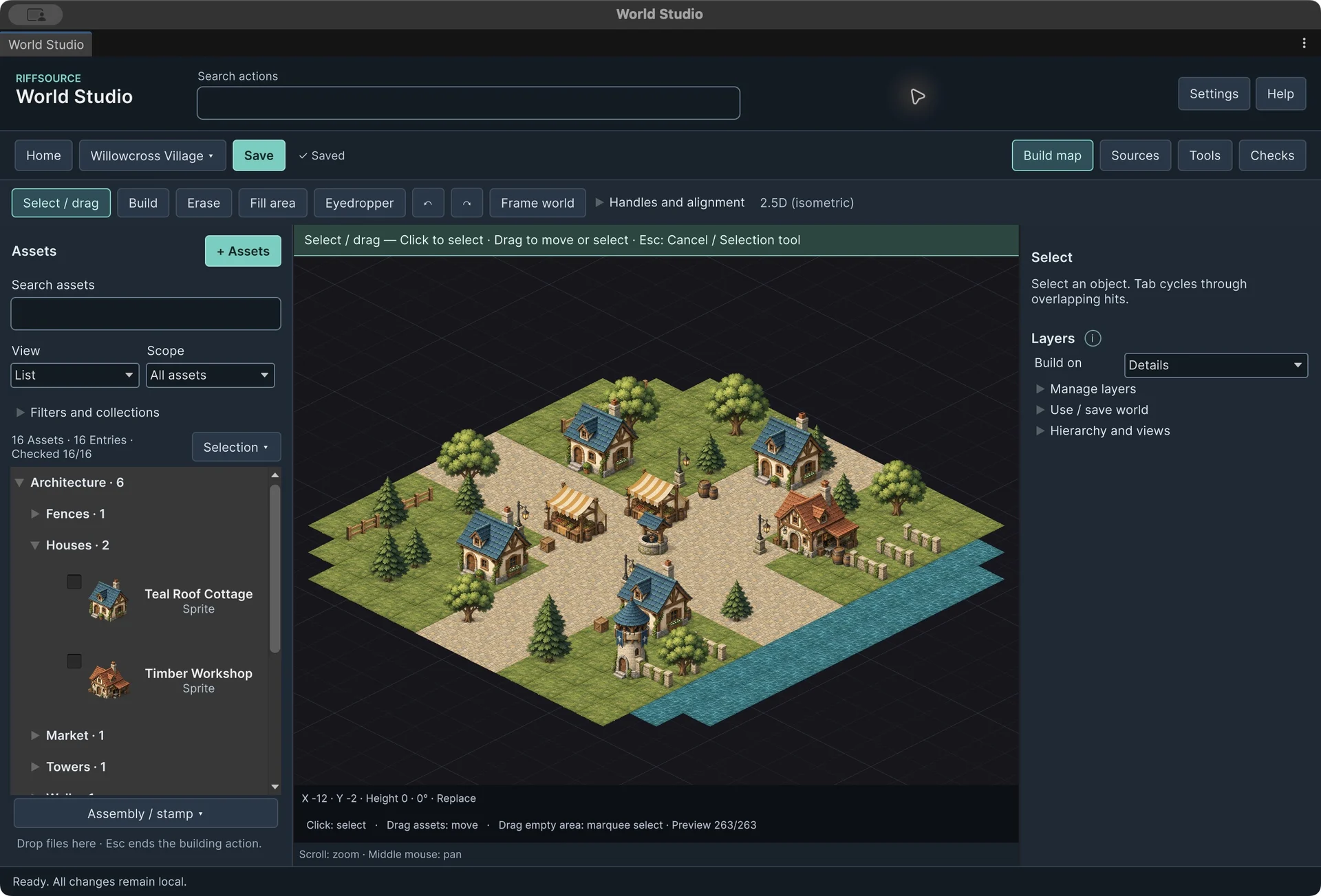
World Studio: from assets to editable worlds
After submitting 1.0, I expanded the workshop: preparing assets, revising buildings later and understanding larger worlds. The new notes group this work as development milestone 1.1.
Placing the first object is often the easy part of world building. More work follows when a model arrives at the wrong scale, has an awkward origin or an existing building needs another floor. Those transitions are where I have continued developing World Studio.
Prepare assets for use
The asset workshop lets me check orientation, scale, anchors and material assignments in a separate preview. It creates a variant while keeping the source. Alongside it, the optimisation workshop identifies costly assets and prepares targeted copies with suitable LODs, texture limits or simpler colliders. Choosing the right simplification remains deliberate.
Keep the world editable
Buildings retain their construction parameters: floors, walls and openings can be revised later while preserving local instance adjustments. Paths gain control points, side offsets and parallel rows. Biome brushes combine weighted sources with height, slope and spacing rules. Repeated manual work becomes a reproducible process.
Understand larger worlds
A section overview shows where dense or expensive sources accumulate. Saved object searches and revised action search lead to the right selection. Output recipes retain repeated settings, while JSONL and CSV make the world accessible to custom tools. These indicators help investigate cost; they do not replace measurements in the finished game.
The next acceptance step
The 1.1 development notes collect the completed local expansion rounds. Package files still carry 1.0.0. Manual checks of preview, materials, Undo, imports and output, followed by target-device measurements, remain necessary before a new store update. The submitted 1.0 and its store review remain separate.