RiffBlock has been submitted
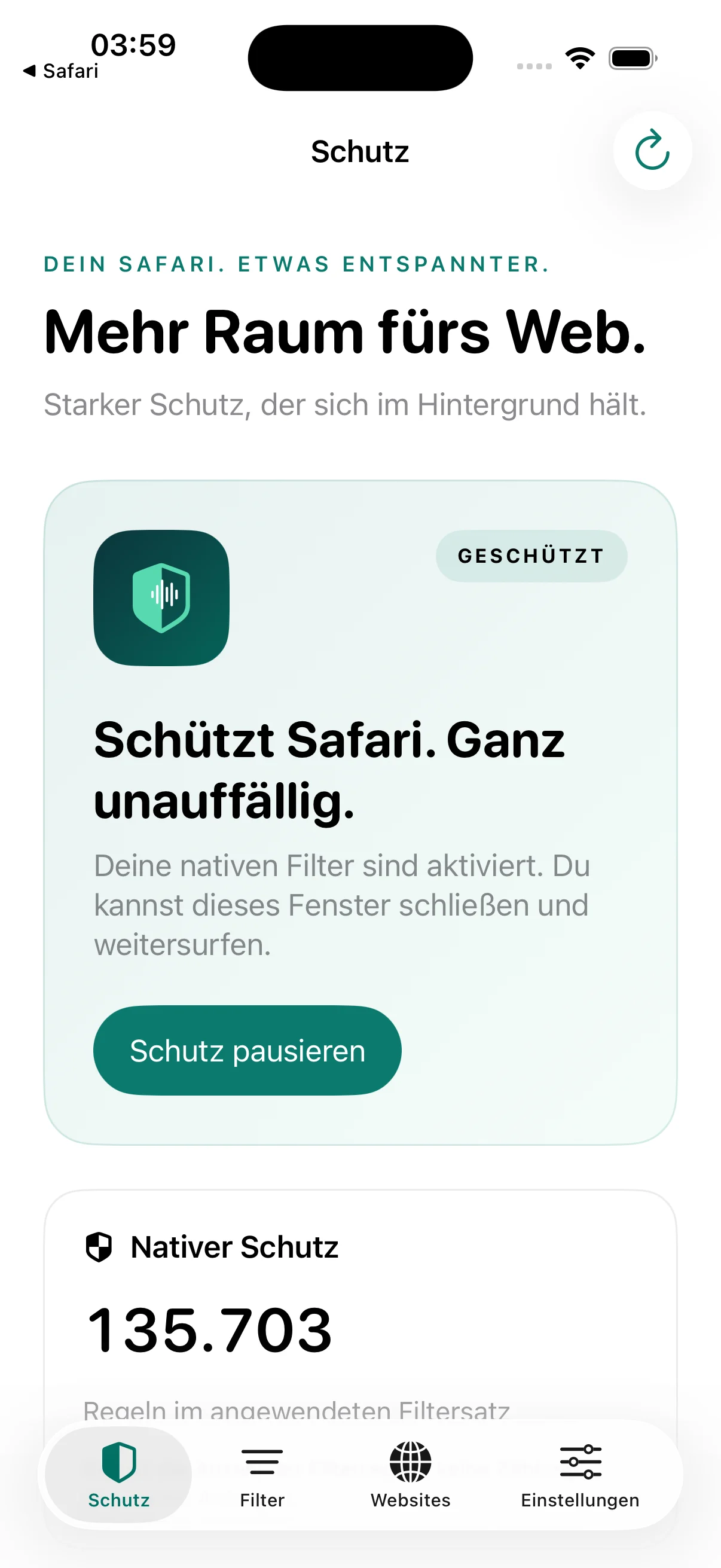
Ahead of the first release, I worked on Safari setup, protection profiles and the experience across iPhone, iPad and Mac. Version 1.0.0 has been submitted for review.
The final steps before launch
After build 2, my main focus was making RiffBlock’s behaviour understandable in everyday use. A switch alone does not explain whether Safari has actually enabled an extension. A missing status response should not look as though someone has turned protection off.
Setup now separates those states and explains the additional website permission more clearly. On Mac, I also fixed a startup crash related to Safari queries and corrected how native filters are applied.
More ways to adjust protection
Standard, Strict and Compatibility provide different starting points. Newsletter prompts, installation banners and certain other distractions have separate controls. A website can be paused for 15 or 60 minutes when it needs a temporary exception.
Page assistance processes affected areas incrementally and restores its own changes when disabled. Signed correction updates allow focused adjustments within functions already built into the app. Visited pages are not sent to a reporting service for this purpose.
At home on several devices
An optional menu bar entry gives Mac users quick access. With it enabled, RiffBlock can run without an extra Dock icon, while the window remains available when needed.
Selected settings can now be synchronised through private iCloud storage. This starts switched off on new installations. Protection pauses, permissions, local issue reports and learned rules stay on each device.
With this work completed, I have submitted version 1.0.0 for iPhone, iPad and Mac for review. Submission is an important step. Once approved and released, I will add the actual availability and store links here. Specific website issues and understandable repair options will continue to shape development after launch.