RIFFSOURCE Assembly Studio
An instruction should start with the model
Why I am building my own tool for 3D instructions, and why the steps, source files and release versions belong together.
Read update RIFFSOURCE
Turn parts into an instruction.
I want to explain an assembly in a way that makes its sequence clear: one part at a time, with a useful view and the right note where it belongs. That is why I am building RIFFSOURCE Assembly Studio.
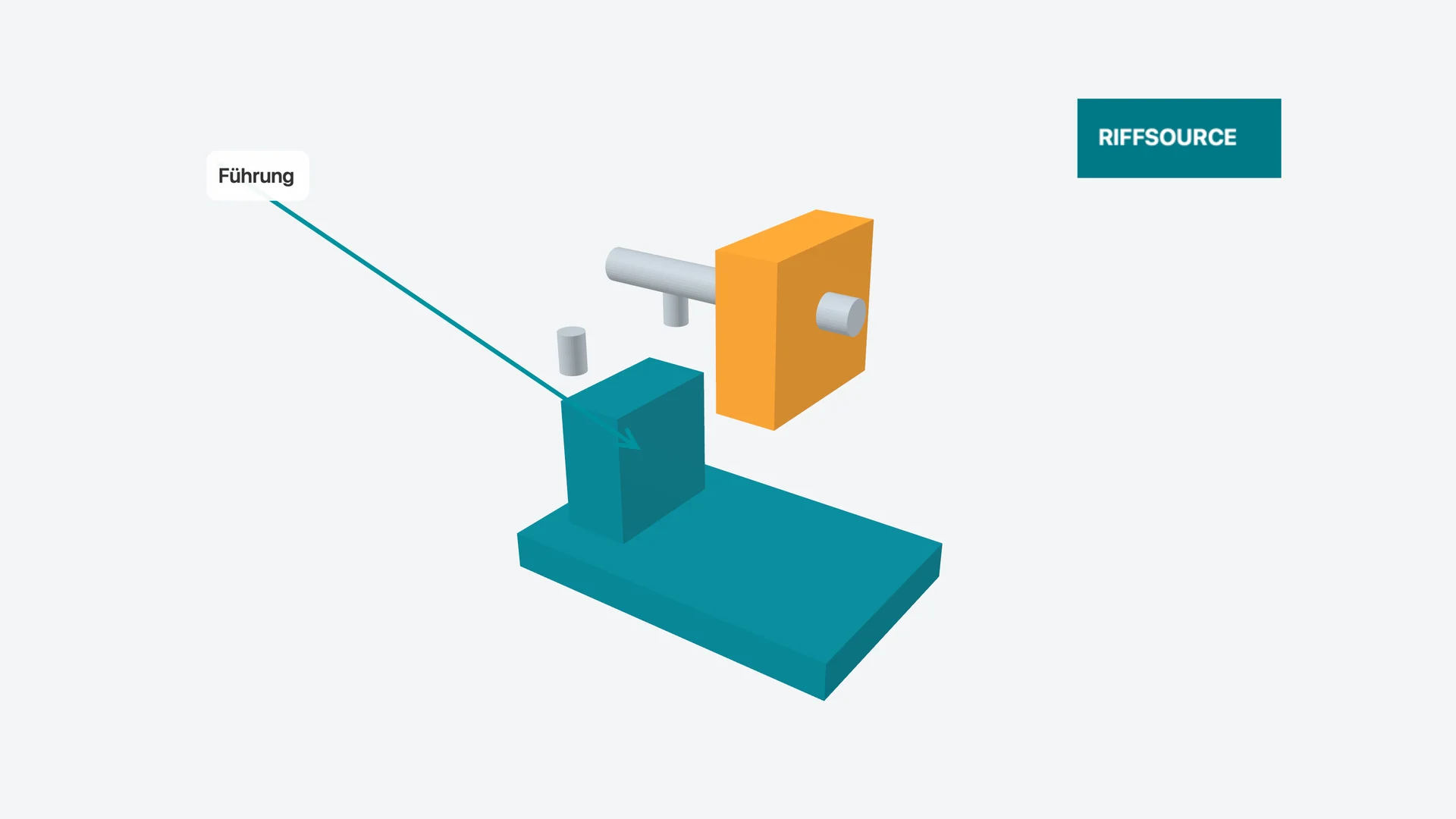
Original development capture; no public product release yet.
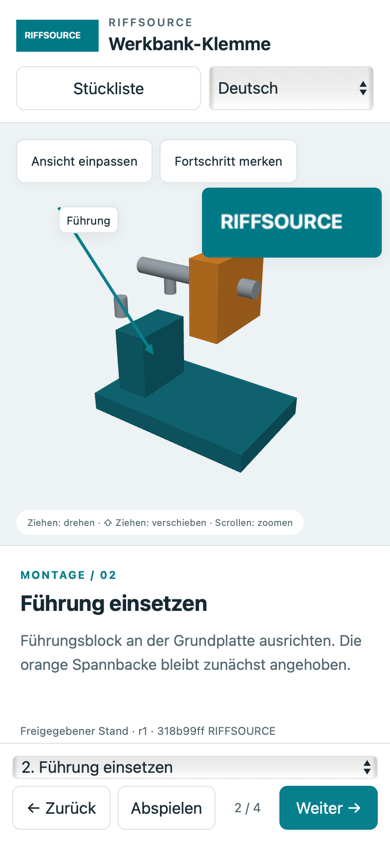
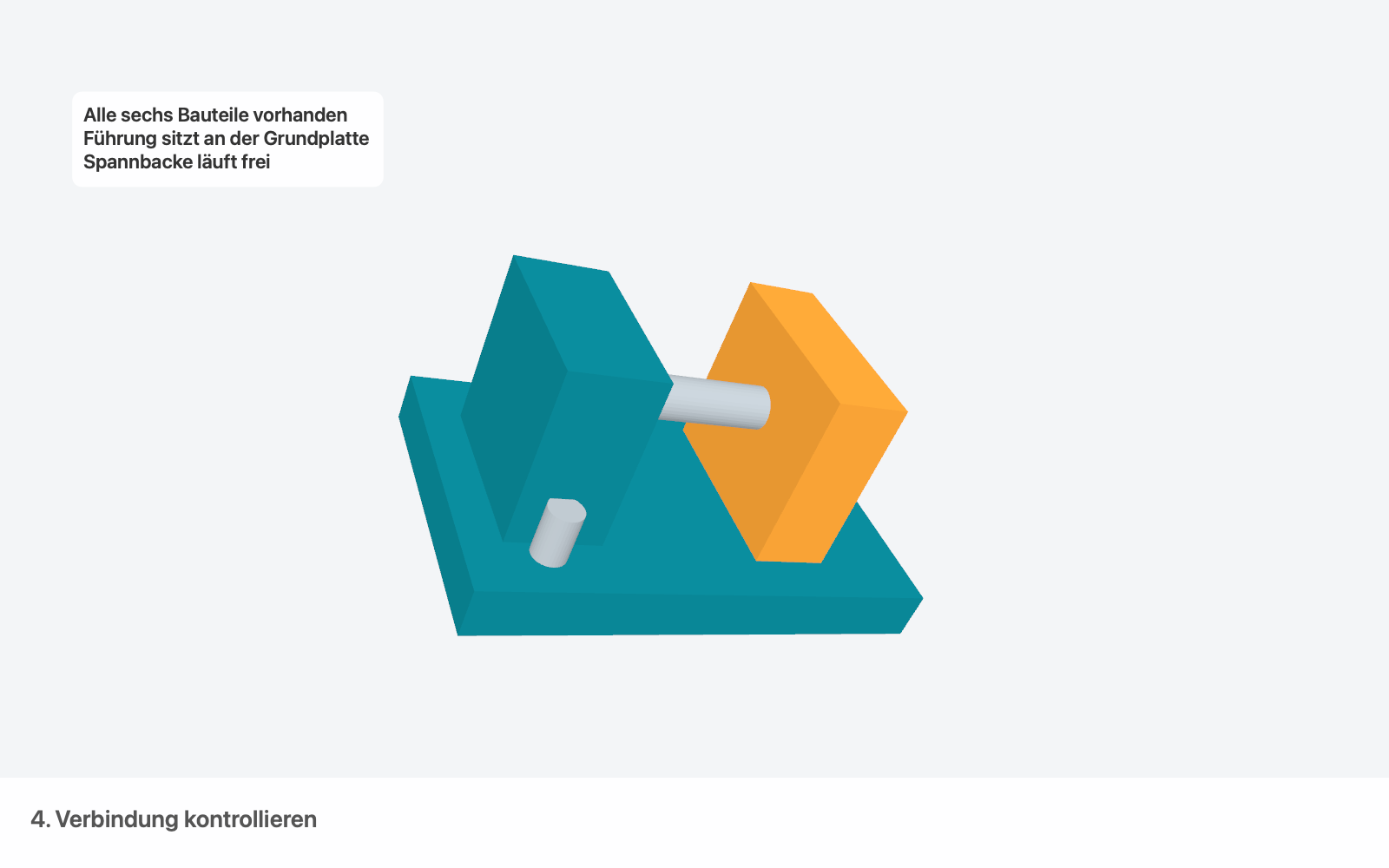
An assembly model does not explain how to put something together, maintain it or use it. I start by importing the model, then build chapters and individual steps around it. Parts can be hidden, highlighted, moved or separated into an exploded view. The camera, text, arrows and checklists belong to the step where I need them.
The current editor supports GLB/glTF, OBJ with materials, STL, STEP and IGES. When a model changes, I want the work in its existing steps to survive where the parts can be matched. If a match is unclear, I have to resolve it explicitly before releasing a new instruction.
The core authoring tools run locally on the Mac. They do not require an account or a permanently connected cloud service. Imported source files stay with the media used in the authoring project. Automatic backups, archived versions and portable project archives help me understand and recover the work later.
In 0.2.0, I moved storage to losslessly compressed objects. Identical geometry does not need to be saved again for every historical version. A portable archive still carries the complete project: source files, media, history and released versions.
Once I have checked an instruction, I create a fixed release version. That same version can become a standalone web guide, a PDF with a parts list, PNG images or an H.264 video. The web viewer opens with a double-click. Reading the instruction does not require a terminal or a local server.
Labels can now attach to a point on a 3D part. They follow the part and camera instead of staying at an arbitrary position on the image. Image and video outputs reach 4K; videos can include offline speech, my own voice track and music.
The current development version is 0.2.0 for macOS 15 and later on Apple Silicon. I have reworked camera movement: full rotations are possible, and the standard view straightens the model again. An optional private server connection is prepared; synchronisation is currently manual, with separate copies when versions conflict.
A public cloud service, real-time collaboration, a web editor and further native platforms are still future work. For now, I am concentrating on a dependable local tool and how it feels to use. There is no generally released download yet.
RIFFSOURCE Assembly Studio
Why I am building my own tool for 3D instructions, and why the steps, source files and release versions belong together.
Read update